Have you ever typed a wild idea into an AI image tool and got something… well, okay but not amazing?
Then you waited. And waited.
Now imagine hitting Enter and boom — a crisp, 4K image appears, matching your vision perfectly.
That’s the promise of Seedream 4.0 by ByteDance.
I mean, this thing isn’t just “another image generator.” It’s rapid, intuitive, and designed for creators who hate waiting.
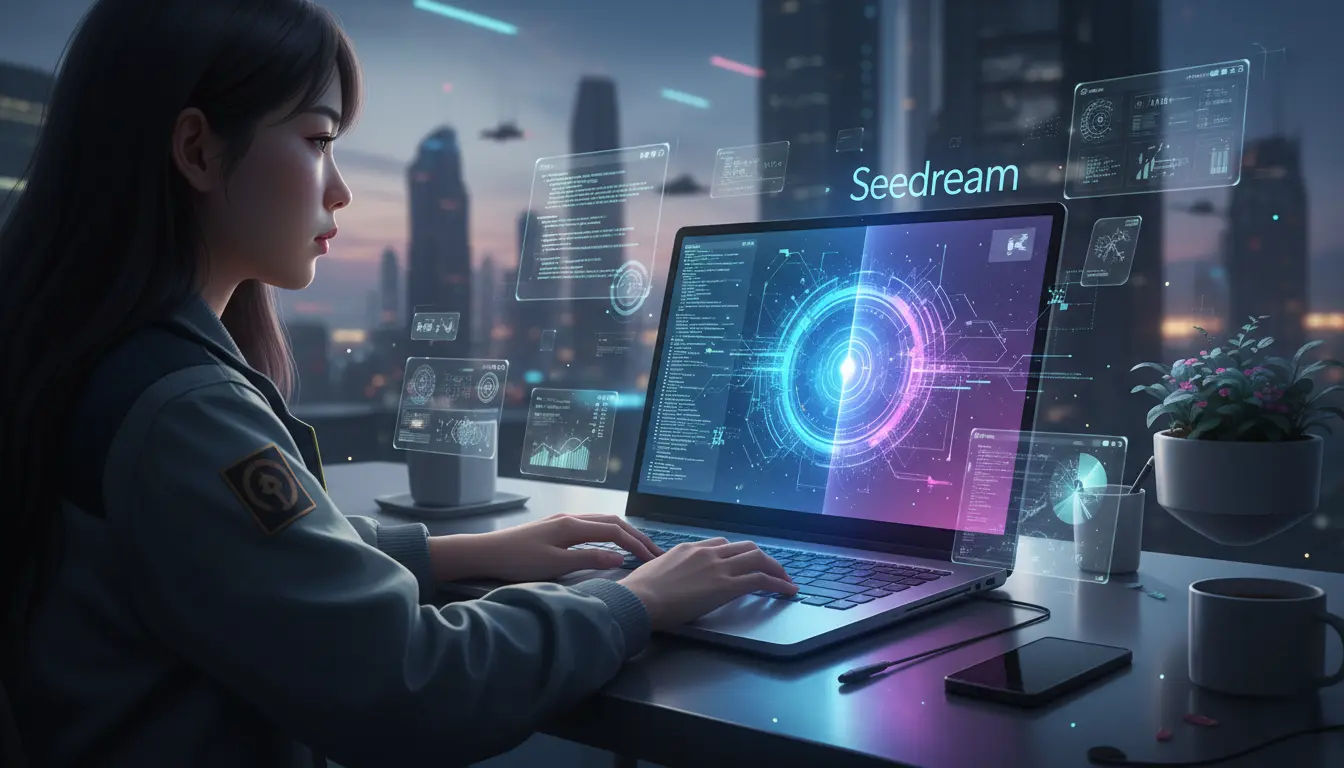
What is Seedream 4.0?
Seedream 4.0 is the latest release of ByteDance’s advanced image creation/editing model. It merges text-to-image generation, reference image support, and powerful editing tools — all in one. (ByteDance Seed)
In simpler terms: upload an image (or several), type what you want, tweak the style, and you’re done.
No juggling between multiple apps. No fumbling with weird syntax.
Why it matters (and why now)
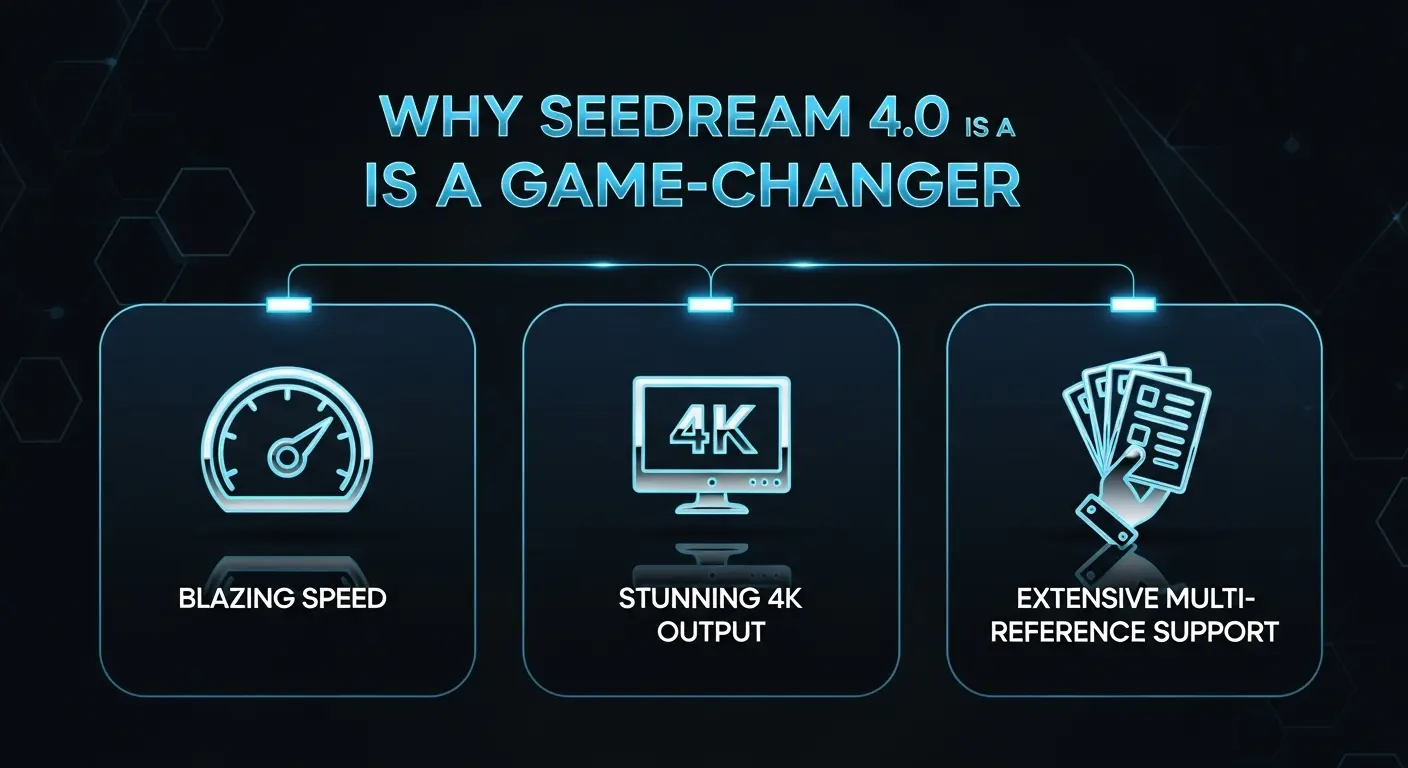
- 🕒 Speed upgrade – It generates high-resolution images (2K+ or 4K) in under ~2 seconds. (Flux AI)
- 🎯 Reference consistency – Upload up to 6 (or more) reference images so your brand, characters, or design stay consistent across outputs. (Imagine.Art)
- 🔧 Unified generation + editing – Instead of switching tools for “create” and “edit,” Seedream 4.0 handles both. (Imagine.Art)
- 🌐 Multimodal & bilingual support – Works with text or images, English or Chinese prompts. Great for global creators. (flux-ai.io)
For creators, freelancers, designers — this means you spend less time figuring out tools and more time creating the visuals that matter.
How Seedream 4.0 Works (in your workflow)
- Pick your goal – A social post? A product concept? A storyboard?
- Gather reference inputs – Maybe one photo, or three for style consistency.
- Write your prompt – Use clear language. “Modern product ad, neon blue and white, flat-lay overhead, soft shadows.”
- Hit Generate – Seedream’s engine builds it in seconds.
- Edit if needed – “Change background to pastel gradient,” or “Make the subject slightly tilted.”
- Export – 4K PNG/JPEG, ready for web or print.
It really feels like you’re talking to a “visual assistant” instead of wrestling sliders and layers.
Real-Life Example: From Concept to Campaign
I wanted a hero image for a new blog about AI design tools — something bold, friendly, futuristic.
With Seedream 4.0:
- Uploaded three reference images of “workspace, tech, creativity.”
- Prompt: “High-tech creative studio, warm purple lighting, diverse team working on holographic screens, cinematic angle.”
- Result in ~90 seconds: An image better than any royalty-free stock I’d used before.
I tweaked the background color slightly — done.
My blog looked premium. My design time? Slashed in half.
Best Prompts & Use-Cases
Try these to unlock the tool’s power:
- “Ultra-modern hero image for SaaS marketing website, chrome accents, soft glow, high angle.”
- “Flat-lay overhead product shot of skincare jar, minimalist white background, subtle shadows.”
- “Fantasy character, vibrant teal hair, neo-Tokyo street background, cinematic lighting.”
- “Storybook children’s illustration, hand-painted style, forest creatures around campfire, warm palette, 4K.”
Pro Tip: The more specific you are about style, mood, colors, angle, the better. …Then refine with edits.
Who should use Seedream 4.0?
- Freelancers & solopreneurs who need slick visuals fast.
- Small agencies creating social visuals, ads, campaigns.
- Designers wanting idea generation, mood boards, style previews.
- Content creators needing more than stock images — unique assets.
If you’re working solo and you’ve ever thought “I wish I could design fast and cheap,” this tool might become your secret weapon.
If you found Seedream 4.0 fascinating, you’ll love exploring how AI is transforming visual storytelling even further. In our previous blog, we covered how AI-powered presentation tools like PowerPoint AI and Beautiful.ai are reshaping the way professionals design slides and communicate ideas. Together, these innovations prove one thing — the future of design is intelligent, fast, and incredibly creative.
Common Questions
A: Yes — for many plans there’s licensing for commercial use; always check terms. (Seedream 4.0 AI)
A: Yes — up to 4K resolution images are supported. (RunComfy)
A: Very strong compared to others — it handles typography and text render with much fewer errors. (Flux AI)
A: Yes — up to 6 or more depending on platform. Great for brand style consistency. (Indiatimes)
