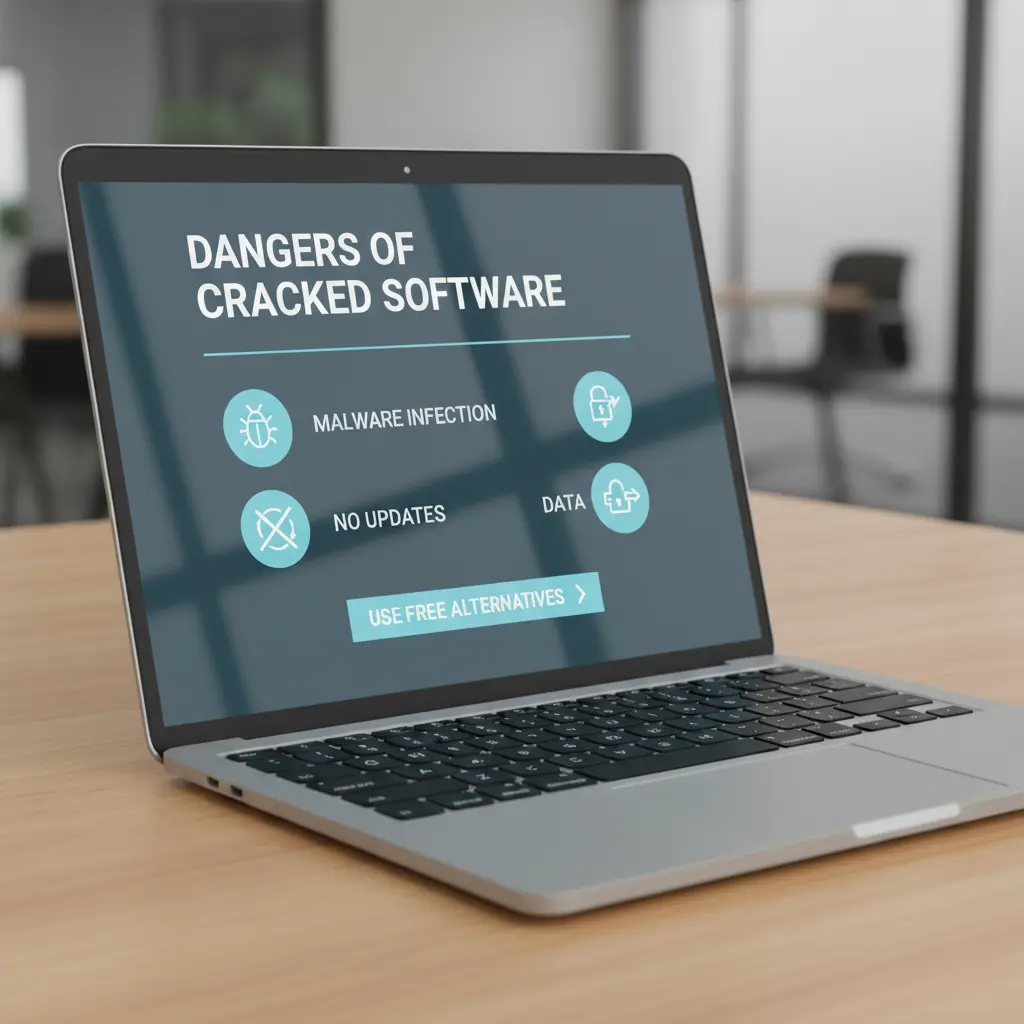
Say goodbye to piracy risks; here are legitimate, open-source alternatives that can replace expensive software without costing a cent.
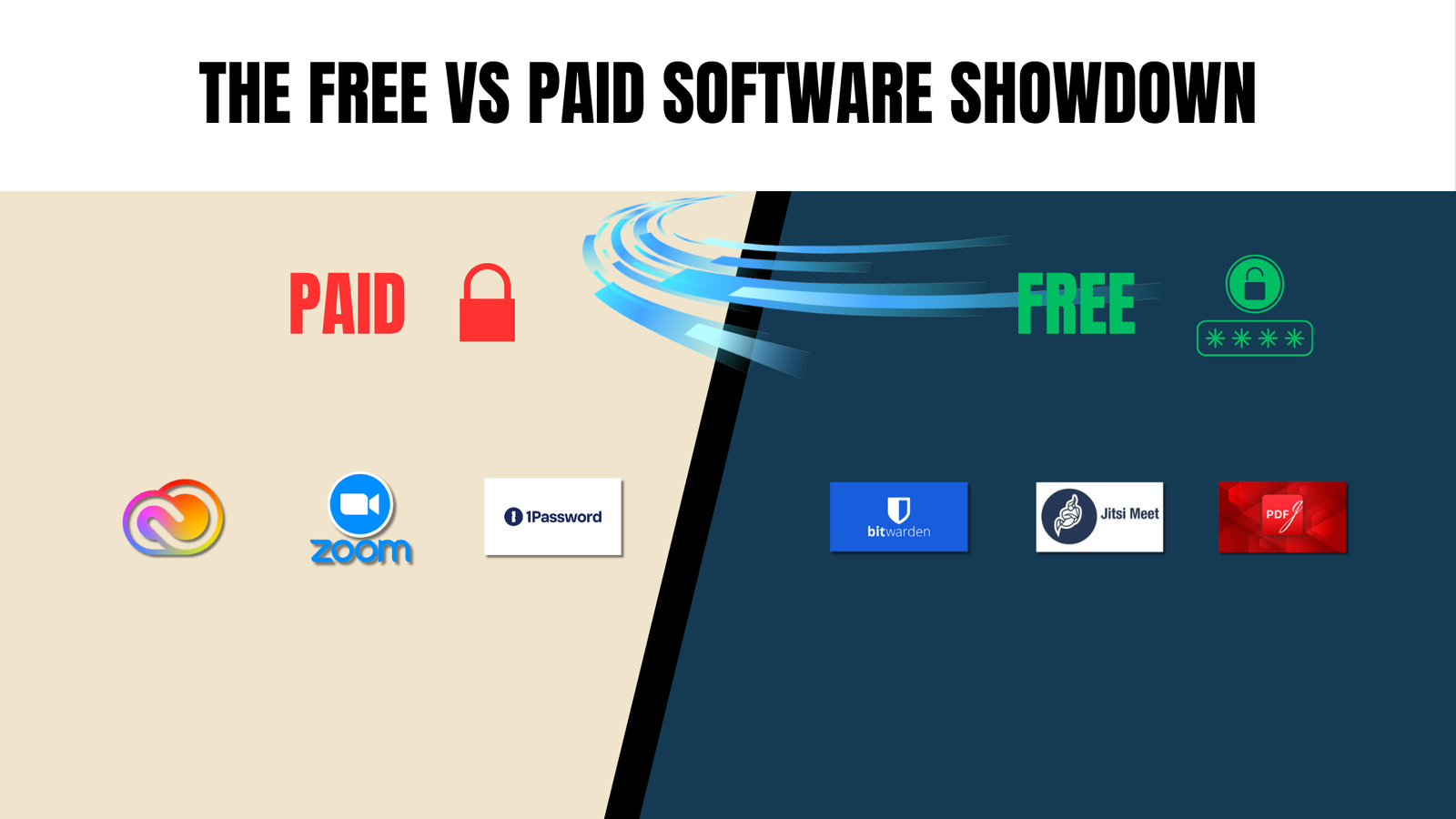
Whether you’re a student, freelancer, or small business owner, premium software subscriptions can add up fast. The temptation to use cracked or pirated versions is real, but so are the risks: malware, data theft, legal consequences, and no updates. The good news? For nearly every popular paid tool, there’s a powerful, free, and completely safe alternative.
The alternatives
Adobe Photoshop & Illustrator → Affinity / Krita (Free)
Affinity is a lightweight yet powerful suite that handles the vast majority of professional design and photo editing tasks. It's fast, stable, and doesn't require a subscription. For pure digital painting and illustration, Krita is another excellent open-source option worth trying.
Adobe Acrobat → PDFGear Free
PDFGear covers everything you'd normally pay for in Acrobat - PDF editing, OCR (optical character recognition), digital signatures, and file merging completely free. It's a clean, modern app that works offline and doesn't add watermarks.
1Password / LastPass → Bitwarden Open Source
Bitwarden is an open-source password manager that offers end-to-end encryption and cross-device syncing entirely for free. Unlike proprietary alternatives, its code is publicly auditable, giving you genuine confidence in its security. It's widely regarded as one of the most trustworthy password managers available.
FL Studio → LMMS Free
LMMS (Linux MultiMedia Studio) is a fully featured digital audio workstation that's free and cross-platform. It comes with built-in instruments, beat editors, and a mixer, making it an ideal starting point for aspiring music producers who don't want to invest in expensive DAW software right away.
ExpressVPN / Surfshark → Proton VPN Free tier
Based in Switzerland, a country with strong privacy laws. Proton VPN is one of the most privacy-respecting VPNs available. Its free tier has no data limits and enforces a strict no-logs policy. For users who prioritize online privacy over speed or server count, it's hard to beat.
Zoom / Google Meet → Jitsi Meet Free No time limit
Jitsi Meet is a browser-based video conferencing tool that requires no account or installation. Unlike Zoom's 40-minute cap on free meetings, Jitsi imposes no time restrictions. It's open-source, self-hostable, and respects your privacy, a solid choice for teams and individuals alike.
Common Questions
The short answer is: yes, for the vast majority of users. Free and open-source software (FOSS) has matured enormously over the past decade. Tools like Bitwarden for password management, PDFGear for document editing, and Jitsi Meet for video calls are not just “good enough”; they genuinely compete with, and in some areas surpass, their paid counterparts.
The key difference typically comes down to three things: advanced edge-case features (which most everyday users never need), customer support SLAs, and UI polish. If you’re a professional with very specific workflow needs, say, a graphic designer requiring every niche Photoshop filter, then paid software may still be justified. But for students, freelancers, small businesses, and general users, free alternatives cover 90–95% of real-world tasks without any compromise.
Pro tip: Many free alternatives are open-source, meaning their code is publicly reviewed by thousands of developers worldwide. This often makes them more secure and more stable than closed-source paid software.
Using cracked or pirated software exposes you to serious risks that most people underestimate. Here’s what you’re actually risking every time you run a pirated program:
Malware and ransomware: Cracked software is one of the most common delivery methods for malicious code. Cybercriminals deliberately inject keyloggers, trojans, and ransomware into pirated installers, knowing that users will run them without question. Once installed, these can steal passwords, encrypt your files, and even access your webcam or microphone.
No security updates: Legitimate software receives regular patches to fix vulnerabilities. Pirated versions are frozen in time, leaving your system permanently exposed to security holes that developers have long since fixed.
Legal consequences: Software piracy is illegal in most countries under copyright law. Businesses caught using unlicensed software face significant fines and reputational damage. Even individual users can face legal action in some jurisdictions.
No support or backups: If a pirated tool corrupts your files or crashes, you have no recourse, no support team, no refund, no recovery.
The bottom line: Given that high-quality free alternatives exist for virtually every popular paid program, there is no practical reason to take on these risks. The “savings” from piracy can cost far more if your system is compromised.
Yes, Proton VPN’s free tier is genuinely free with no data cap, which is exceptionally rare in the VPN industry. Most “free” VPNs either limit your data to a few GB per month, throttle your speeds aggressively, or make money by selling your browsing data to advertisers. Proton VPN does none of these things.
So what are the actual limitations? On the free plan, you’re limited to servers in three countries (the United States, the Netherlands, and Japan), and you can only connect one device at a time. During peak hours, speeds may be slower compared to paid users who get priority access. You also won’t get access to features like streaming server support (for Netflix, etc.) or the Tor-over-VPN option.
For everyday privacy, securing your connection on public Wi-Fi, preventing your ISP from tracking your browsing, or accessing geo-restricted websites, the free plan is more than adequate. Proton is headquartered in Switzerland, one of the world’s strongest privacy jurisdictions, and has a verified no-logs policy. Their apps are also open-source and independently audited.
Who should upgrade? If you need servers in many countries, fast streaming, or connections on multiple devices simultaneously, Proton VPN Plus is worth considering. But for basic privacy protection, the free tier is among the best options available anywhere.
Bitwarden is widely considered one of the most trustworthy password managers in the world, and that’s not marketing speak. There are concrete, technical reasons to trust it.
End-to-end encryption: Your password vault is encrypted on your device using AES-256-bit encryption before it ever leaves for Bitwarden’s servers. This means Bitwarden employees cannot read your passwords, even if they wanted to. Even in the unlikely event of a server breach, attackers would only retrieve encrypted data that is computationally impossible to crack.
Open-source and audited: Bitwarden’s entire codebase is publicly available on GitHub. This means independent security researchers around the world can and do inspect it for vulnerabilities. Bitwarden also undergoes regular third-party security audits and publishes the results publicly.
Proven track record: Unlike LastPass, which suffered multiple significant data breaches, Bitwarden has maintained a clean security record. It has been recommended by major cybersecurity organizations, journalists, and independent reviewers as the top free password manager alternative.
Verdict: If you’re currently reusing the same password across multiple sites, a very common and very dangerous habit, switching to Bitwarden is one of the single most impactful security improvements you can make, and it costs nothing.
Yes, completely. This is one of Jitsi Meet’s most underrated advantages. To start a meeting, you simply visit meet.jit.si in any modern web browser, type a room name, and share the link with your participants. There’s no sign-up, no email verification, no app download required for either you or the people you’re meeting with.
Jitsi Meet supports all the features you’d expect from a video conferencing tool: HD video and audio, screen sharing, in-meeting text chat, hand-raising, and even meeting recording via Dropbox integration. There is no 40-minute time limit like Zoom’s free plan meetings, which can run as long as you need.
For organisations with stricter data privacy requirements, Jitsi is also self-hostable, meaning you can run it entirely on your own servers, with zero data passing through a third party. This makes it popular with healthcare providers, legal firms, educators, and NGOs operating in sensitive environments.
One thing to note: on the public meet.jit.si server, anyone who knows your room name can join if the room isn’t password-protected. Always set a meeting password for sensitive or private calls. It’s a one-click option when creating the room.